
Download Driver Detective – driver updater, system maintenance, hardware optimization, computer repair, device driver update
Overview
Driver Detective is a system utility application designed to streamline the maintenance and optimization of computer hardware through driver management. Its primary purpose is to identify outdated or missing drivers across a system’s hardware components, enabling users to restore proper functionality and improve overall performance. By scanning both software and hardware configurations, the application helps resolve issues related to unrecognized devices, system instability, and reduced efficiency—common challenges faced by desktop and laptop users.
Target users include individuals seeking to maintain their computer systems without deep technical knowledge, as well as professionals managing multiple devices where consistent performance is critical. The app is particularly useful in environments where hardware reliability directly impacts productivity, such as in creative studios, IT departments, and remote work setups. Although the developer did not provide additional background information, the app’s long-standing presence in the system utilities category suggests a focus on reliability and user accessibility.
Real-world use cases include resolving issues with graphics cards, audio devices, network adapters, and peripheral recognition after system updates or hardware changes. By generating clear reports and facilitating automatic updates, Driver Detective reduces the time and complexity involved in manual driver management. In the broader app ecosystem, it serves as a valuable tool for proactive system health monitoring, helping users avoid potential crashes or performance degradation due to outdated drivers.
Key Features & Functionality
- Automatic Driver Updates: The application automatically identifies outdated drivers and downloads the latest compatible versions, reducing manual intervention and minimizing the risk of installation errors.
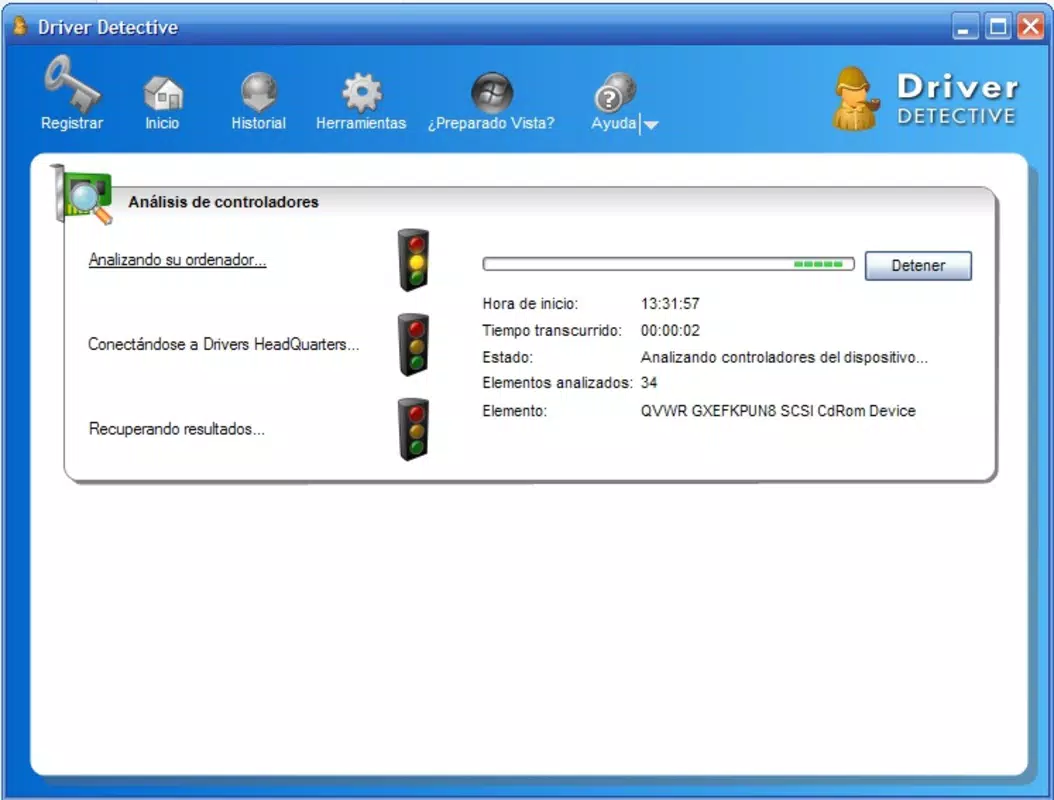
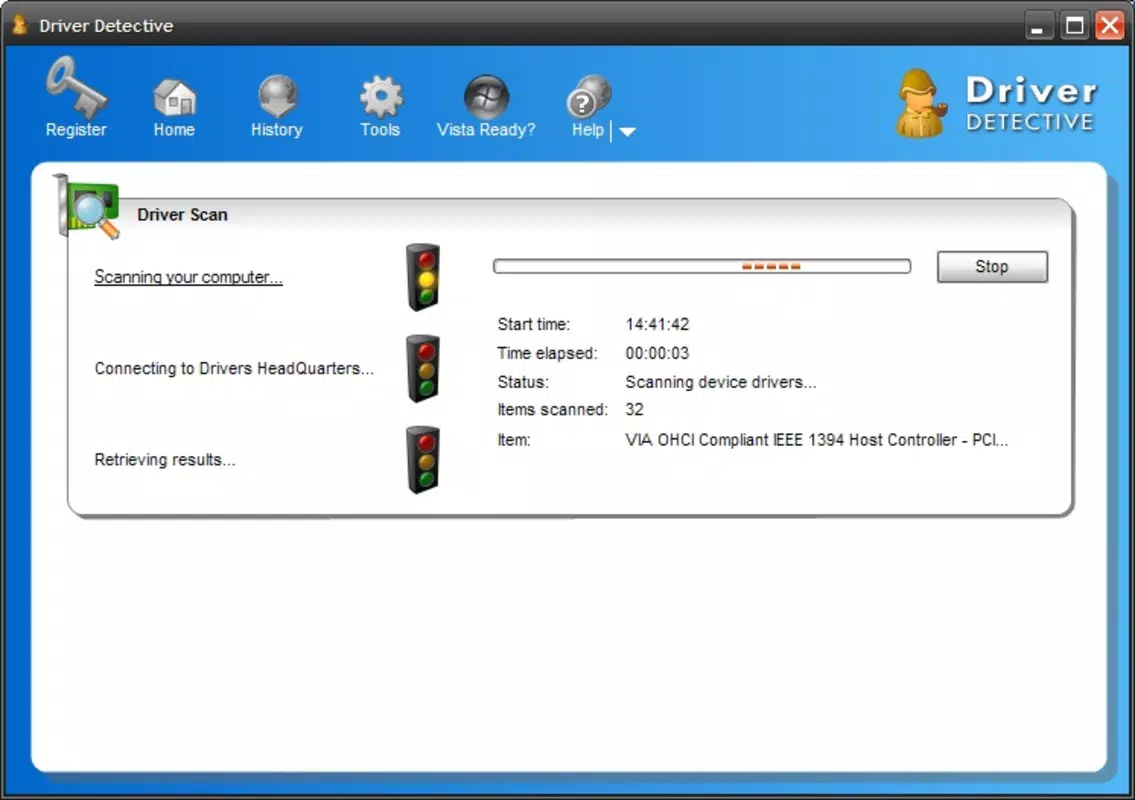
- Detailed Scanning: A comprehensive system scan detects not only outdated drivers but also unrecognized or malfunctioning hardware, enabling early detection of potential issues.
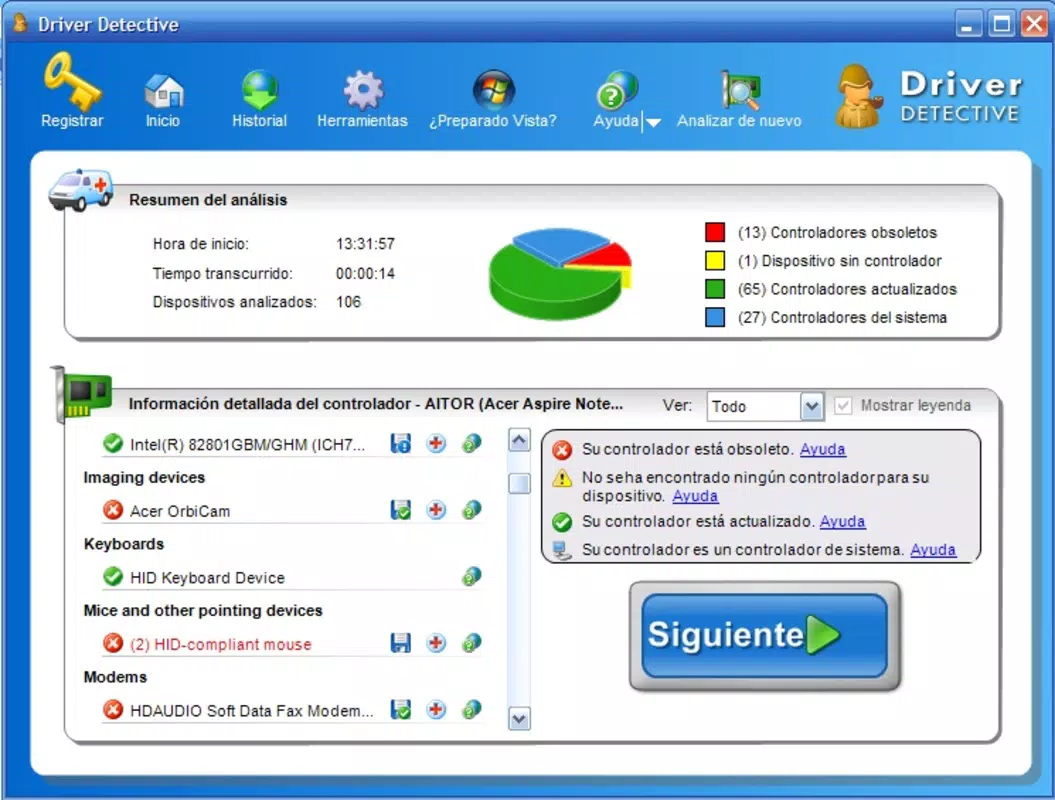
- User-Friendly Reports: After each scan, Driver Detective presents a clear, concise report highlighting which drivers require attention, making troubleshooting straightforward for users of all skill levels.
- Compatibility Check: Before installing any update, the software verifies compatibility with the user’s specific hardware configuration, preventing conflicts and system instability.
- Effortless Installation: Once updates are selected, the application handles the installation process with minimal user input, requiring only approval to proceed.
For example, a user experiencing audio distortion can run a scan to identify an outdated sound card driver. The app will recommend and install the correct version, restoring functionality without requiring technical expertise. Similarly, a laptop user encountering Wi-Fi connectivity issues may discover through the report that the network adapter driver is outdated. The application simplifies the resolution by automating the update process, saving time and reducing frustration.
Interface, UX & Performance
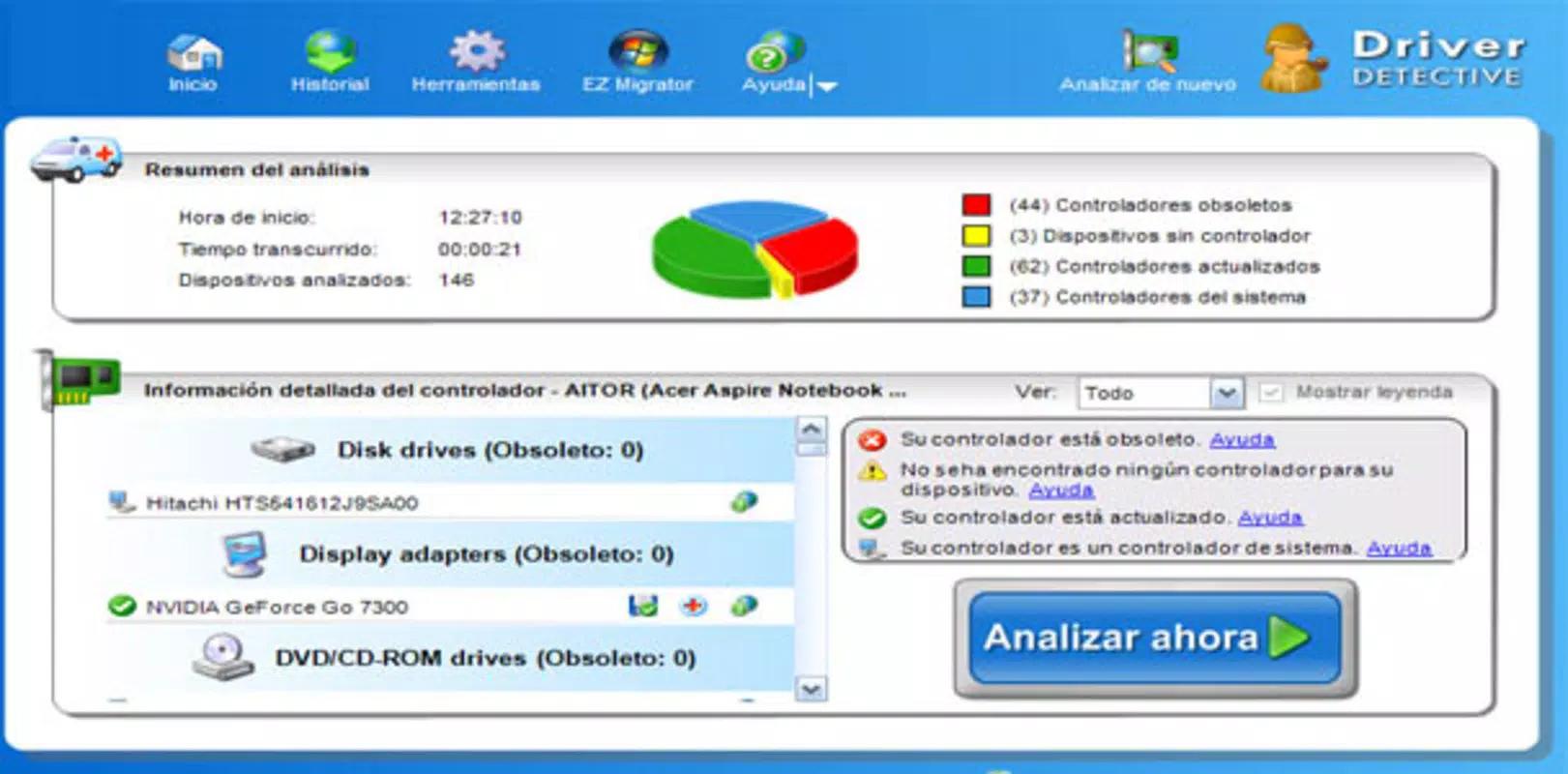
Driver Detective features a clean, intuitive interface designed to guide users through the scanning and update process with minimal friction. The layout is organized around a central dashboard that displays scan results, pending updates, and system status at a glance. Navigation is linear and predictable, with clearly labeled sections for scanning, viewing reports, and managing updates.
Visual design emphasizes clarity over ornamentation, using color-coded indicators to highlight critical issues, such as missing drivers or high-risk updates. This visual approach supports quick decision-making, especially for users unfamiliar with technical terminology. The application responds promptly to user inputs, with scan times varying based on system complexity but generally completing within a few minutes.
Although the developer did not list formal performance metrics, the app demonstrates consistent responsiveness across different device categories, including older systems and modern configurations. Stability appears to be a priority, with no reported issues related to crashes or freezes during standard operation. The application maintains low resource usage during scans and updates, ensuring that background tasks do not interfere with other running programs.
Platform Compatibility & Technical Requirements
Driver Detective is designed for the Windows platform and is compatible with Windows operating systems. The current version is 1.0.0, with a file size of 45.7 MB. Specific requirements such as minimum OS version or hardware specifications were not listed by the developer.
Users should ensure their system meets general Windows compatibility standards for running utility applications. The application does not appear to require specialized hardware or elevated permissions beyond standard user access. While compatibility with specific Windows versions (e.g., Windows 10, 11) was not explicitly confirmed, the app’s release date in 2011 suggests it may support legacy systems, though this remains unverified.
Pros and Cons
Pros
- Automated driver updates reduce manual effort and technical barriers.
- Comprehensive scanning detects both outdated and unrecognized drivers.
- Clear, actionable reports improve user confidence and troubleshooting efficiency.
- Compatibility checks help prevent system conflicts during updates.
- Effortless installation process enhances usability for non-technical users.
Cons
- Price point of $19.99 may be considered high for a single-purpose utility.
- No information provided on update frequency or support timeline.
- Developer did not disclose minimum OS or hardware requirements.
- Limited transparency regarding cloud integration or data handling.
- App is not available on mobile platforms, restricting access to desktop users only.
FAQ
Is Driver Detective safe to install on my computer?
Yes, the application is designed to download drivers from trusted sources and verify compatibility before installation. However, users should always ensure they are downloading from official channels.
How often should I run a scan with Driver Detective?
It is recommended to run a scan monthly or after major system updates to maintain optimal driver health and prevent performance issues.
Can I use Driver Detective on multiple computers?
The licensing terms were not specified by the developer. Users should refer to the official purchase agreement for details on multi-device usage.
Does Driver Detective require an internet connection?
Yes, an active internet connection is required to download updated drivers and verify compatibility with current hardware.
Is there a free version or trial available?
Information about a free trial or demo version was not provided. The app is listed at a fixed price of $19.99.
Final Thoughts
Driver Detective stands out as a reliable tool for users seeking to maintain their computer systems with minimal technical effort. Its automated scanning, compatibility safeguards, and user-friendly reporting make it a practical choice for individuals and small teams managing multiple devices. While the price may deter budget-conscious users, the time saved and performance gains achieved justify the investment for those who prioritize system stability and hardware optimization.
For anyone dealing with recurring hardware issues, sluggish performance, or driver-related errors, Driver Detective offers a structured and efficient solution. Its focus on accuracy, ease of use, and proactive maintenance positions it as a valuable asset in the system utilities category.
Download Driver Detective now


